The work
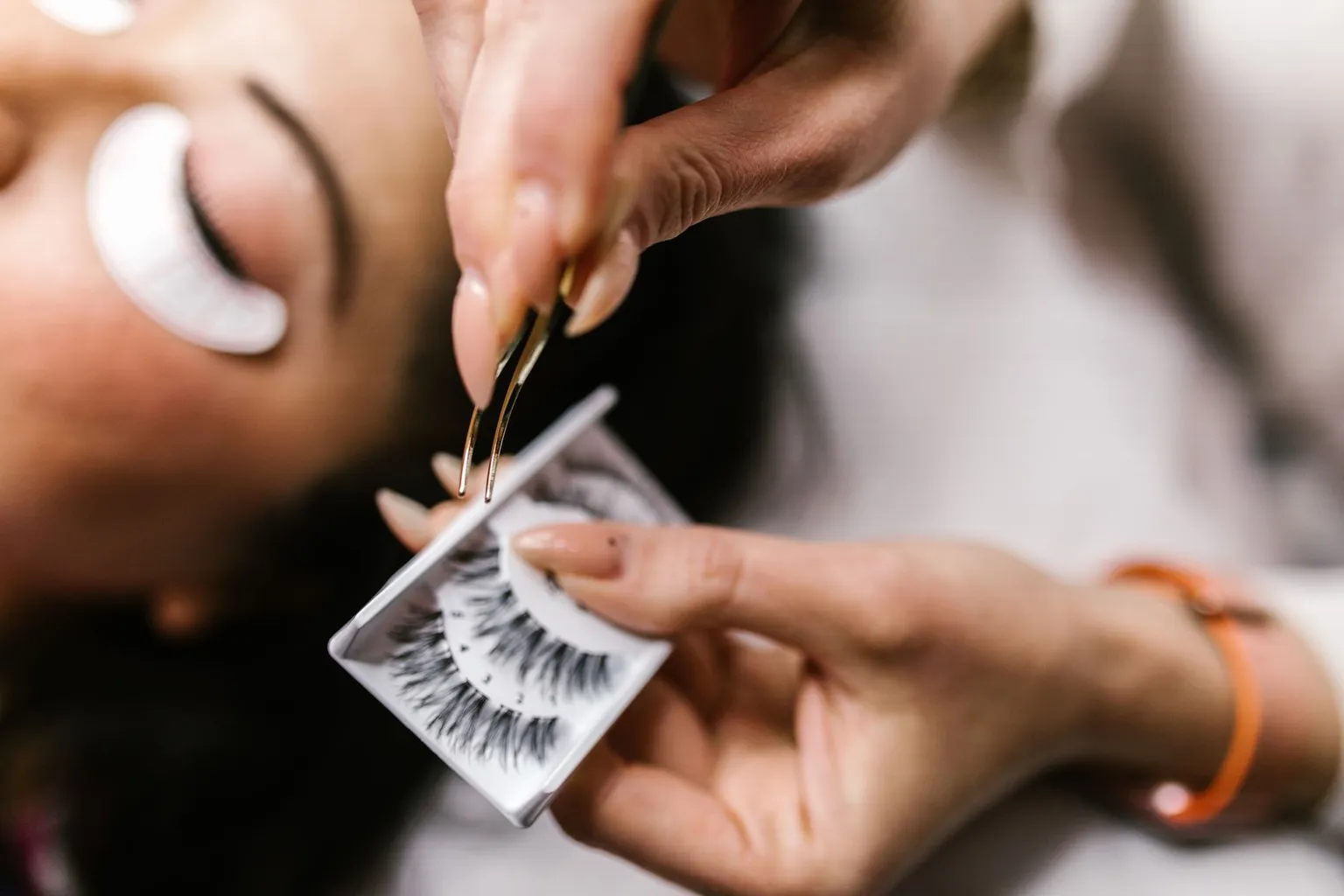
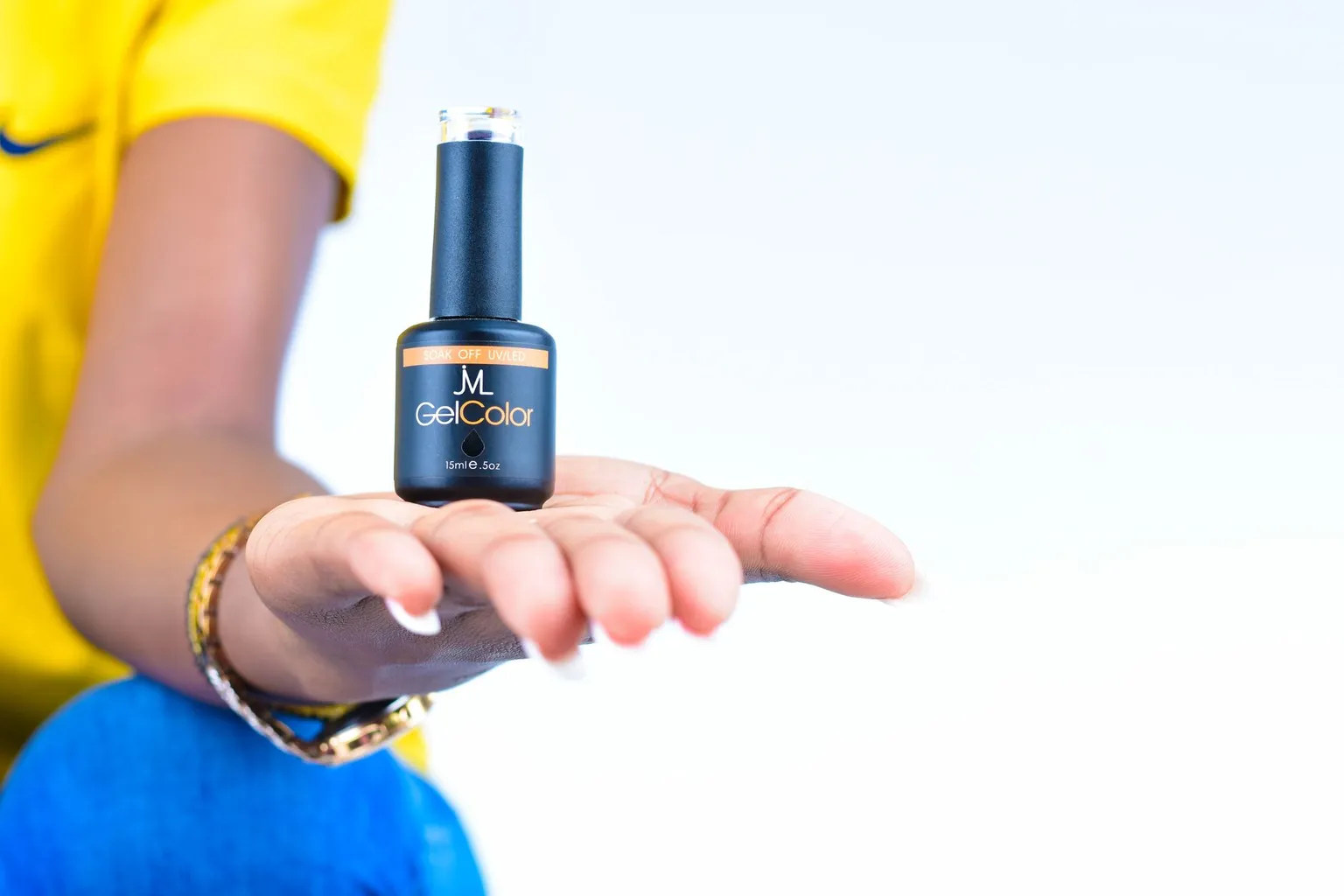
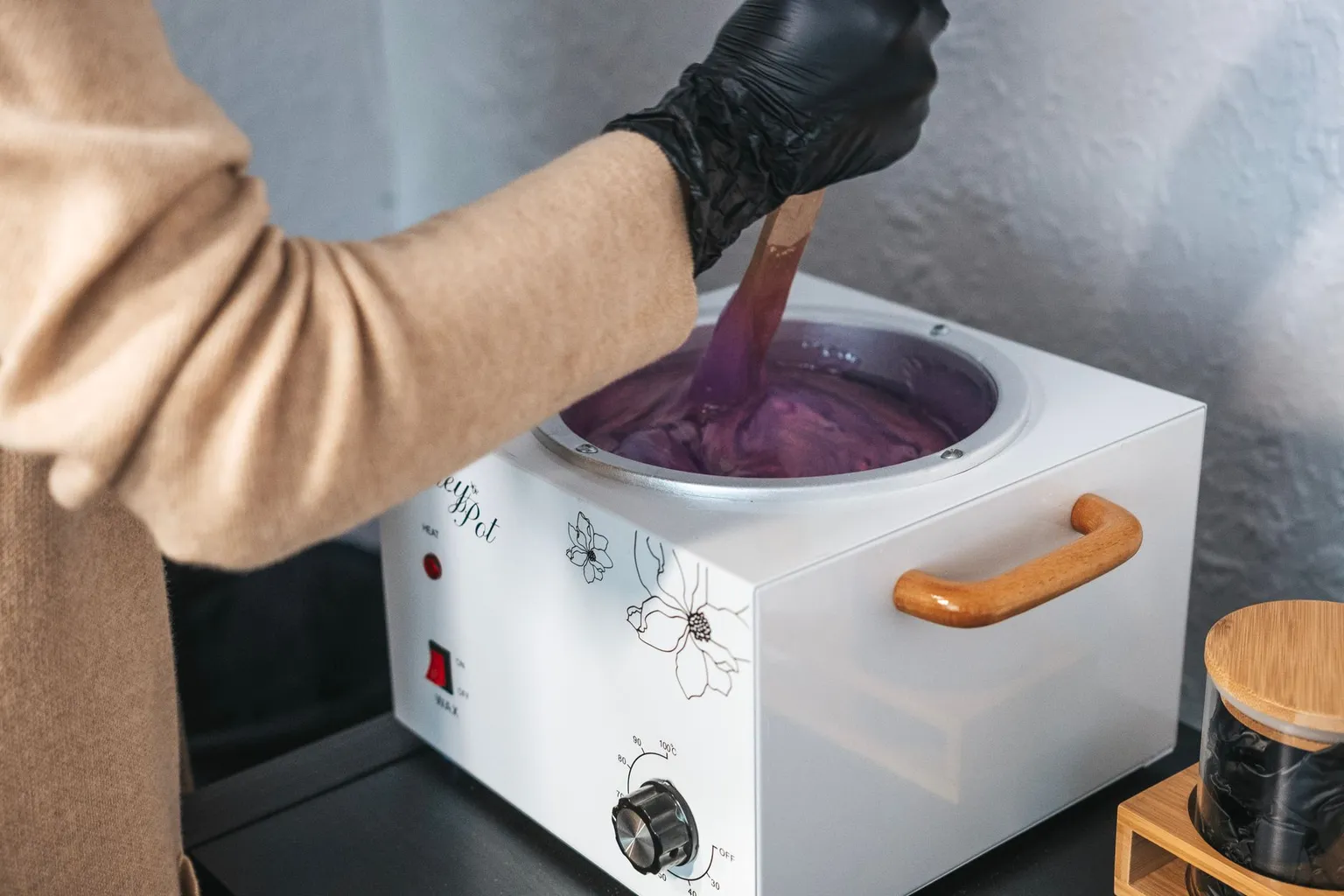

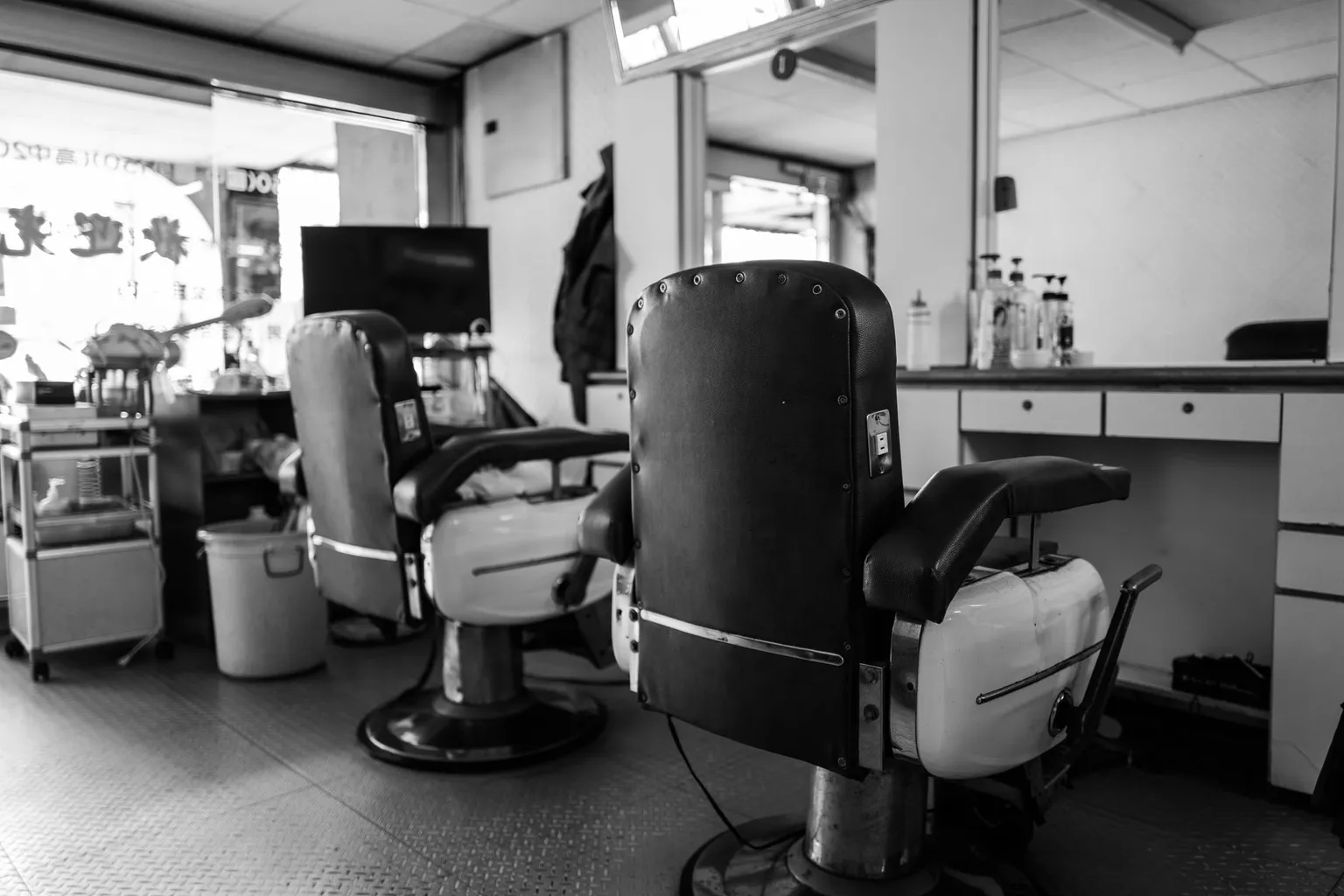
The work
What you get
Move tiles around with your thumb. The order on the public site updates live.
Upload a 12 MP phone photo, the site serves a tiny, crisp version.
Add a service tag, a date, a note, or leave it visual-only.
Lash, brow, color, set, fill. Each tag becomes a filter on the public site.
Switch the photo on a tile without losing the order or caption.
Drop 20 photos at once, they batch-process and land in the grid.
Why it matters
Drag & drop
reorder tiles, batch-upload photos
Auto-resized
tiny files on the public site, big files in your dashboard
One source
edit once, every template uses the same gallery
How it works
The editor opens your camera roll. Multi-select.
Drag the tiles into the order you want. Add tags if you use filters.
The grid appears on every template that has a Gallery section enabled.
Why it matters
The booking decision happens at the gallery. Clients open your site, scroll past the menu, and look for the thing they’ll be wearing on Saturday.
The Gallery section makes that step painless: upload from your phone, drag to reorder, optional tags. The public site handles the layout and the file sizes.
Gallery
Start free and let your waitlist keep the calendar full.
Start free